


Introduction
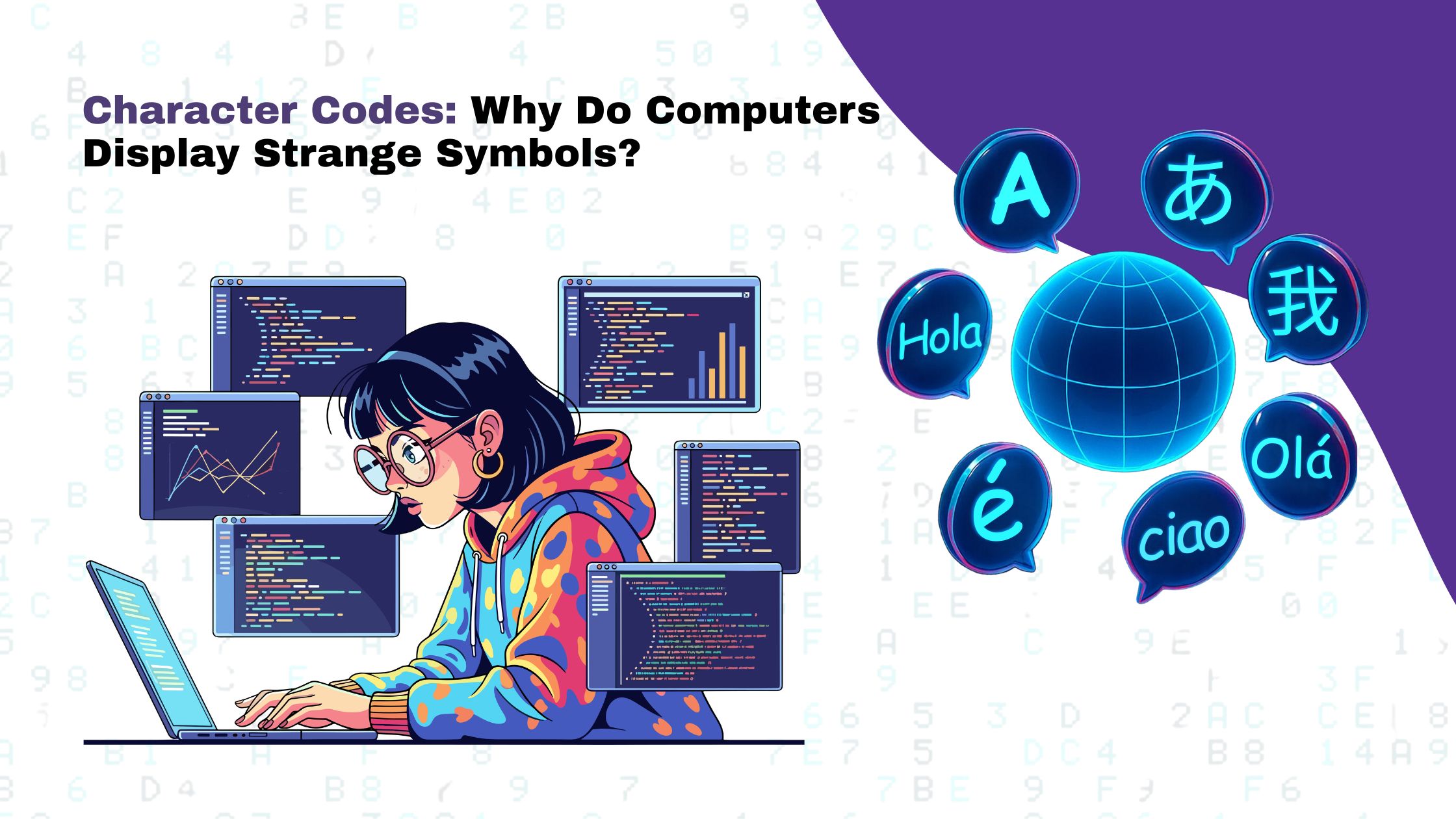
Character codes play an important role in computers store, process, and display text. Every letter, number, punctuation mark, and special symbol requires a specific representation that a computer can understand. However, users sometimes notice strange symbols, question marks, empty boxes, or unreadable text when opening documents, browsing websites, or viewing messages. These problems can occur because of incorrect character encoding, missing font support, or software compatibility issues. Understanding character codes, Unicode characters, and unusual symbols on computer screens helps to explain how digital text works and why these display errors occur.

What Are Character Codes?
Character codes are unique numerical representations that allow computers to correctly identify, interpret, and display letters, numbers, and special symbols correctly. Computers work with binary data, which consists of zeros and ones. Character encoding standards define how letters, numbers, and symbols are represented using this digital information.
For example, the uppercase letter A has the decimal character code 65 in ASCII, while the number 0 has the decimal code 48. When a user types a character, the computer processes its encoded representation and displays the corresponding character on the screen. This process happens continuously while users type messages, edit documents, browse websites, or use software applications.
ASCII was one of the earliest widely used character encoding standards. It supports English letters, digits, and basic punctuation marks. However, as computers became popular worldwide, ASCII alone was not sufficient to represent the many languages and symbols used across different countries. This led to the development and adoption of more comprehensive character encoding standards.
What Are Unicode Characters?
Unicode characters are characters identified by the Unicode standard, which provides a consistent way to represent text across different languages, applications, and operating systems.It supports multiple languages and scripts, including English, Tamil, Hindi, Chinese, Arabic, and many others. Unicode also includes mathematical symbols, currency signs, punctuation marks, and emoji.
For example, Unicode identifies the uppercase letter A as U+0041 and the Indian rupee symbol ₹ as U+20B9. These identifiers are called Unicode code points. They allow software to identify characters consistently, even when information moves between different devices or platforms.
Unicode characters are stored using encoding formats such as UTF-8, UTF-16, and UTF-32. UTF-8 is particularly popular for websites because it supports the full range of Unicode characters while remaining compatible with ASCII for basic English text. By supporting many writing systems within a common standard, Unicode makes international communication more reliable and helps prevent compatibility problems when sharing digital information.
Why Do Computers Display Strange Symbols?
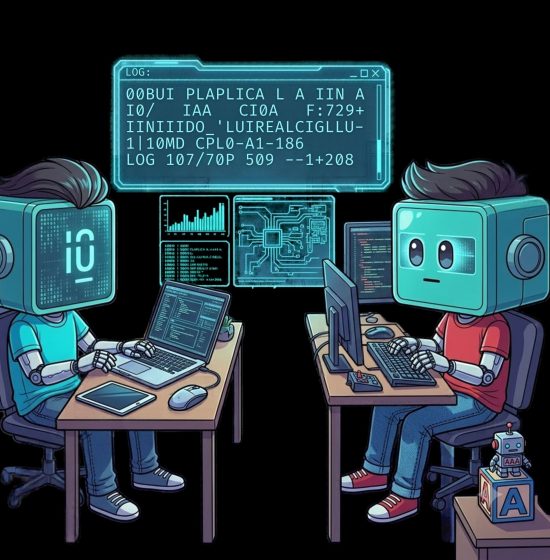
Computers may display strange symbols when text is interpreted using the wrong character encoding or when the required character cannot be displayed by the available font. The original information might be correct, but a mismatch between the encoding used to save the text and the encoding used to read it can produce unexpected results.
For example, a document saved using one encoding may display correctly in its original application but show garbled text when opened in another program. This issue is often called mojibake, which describes unreadable or distorted text caused by incorrect character decoding.
Missing font support is another common cause. A computer might recognize a character’s code point but lack a font that contains its visual design. In this situation, the character may appear as an empty square, a question mark, or a replacement symbol.
Other causes include outdated software, incorrect language settings, incompatible applications, and errors during file conversion or data transfer. Understanding the difference between these problems is important because each requires a different solution. Changing a font may fix a missing-character problem, but it will not necessarily repair text that has been incorrectly decoded or permanently damaged.
Common Types of Strange Symbols on Computer Screens
Different display problems can provide clues about what has gone wrong. Recognizing these patterns helps users identify possible causes and choose the appropriate troubleshooting method.
Display issue | Possible cause |
Question marks (???) | Characters may have been lost during encoding conversion. |
Empty squares (□) | The selected font may not support the required character. |
Garbled text | The text may have been decoded using an incompatible encoding. |
Replacement symbol (�) | The software detected data that it could not interpret or decode correctly. |
Incorrect currency symbols | Encoding conversion or font compatibility issues may have affected the display. |
Broken emoji | The application, operating system, or font may not support the emoji correctly. |
For instance, a user reading a Tamil document might see empty boxes if the installed font does not support the necessary characters. Likewise, a website may show incorrect punctuation marks when the encoding used to store text differs from the encoding used to display it. These problems can affect readability and make digital information difficult to understand.
How Does Character Encoding Work?
Character encoding defines how characters are represented as bytes so that computers can store, transmit, and retrieve text. Unicode identifies characters, while encoding formats such as UTF-8 and UTF-16 determine how their code points are represented in digital data. Consider the word Hello. In ASCII and UTF-8, the uppercase letter H is represented by the hexadecimal byte 48, while the lowercase letter e is represented by 65. The remaining letters also have their corresponding values. When an application interprets these bytes using the correct encoding, it displays the intended word.
Problems arise when software assumes the wrong encoding. A sequence of bytes that represents one character under a particular encoding may be interpreted differently under another. This can cause strange symbols, incorrect punctuation, or unreadable text to appear. Therefore , consistent encoding is important in website development, database management, software programming, and digital communication. When applications use compatible encoding settings, they can exchange text more reliably without changing the intended characters.
How to Fix Strange Symbols on a Computer
The correct solution depends on the cause of the problem. Users can try a few simple techniques to identify and fix common text display problems. Check the character encoding: If a text editor provides encoding options, verify that the file is opened using the encoding in which it was originally saved. UTF-8 is generally a suitable choice for modern websites and many text-based applications.
Install or select a compatible font: If characters appear as empty boxes, try a font that supports the required language or symbol set. This is particularly helpful for handling documents written in multiple languages. Update the application: Older applications may not support certain Unicode characters or new emojis. Updating the software or operating system can improve compatibility.
Review language settings: Incorrect language or regional settings can sometimes affect how older applications interpret text. Checking the relevant settings may help resolve this issue. Check website configuration: Developers should ensure that HTML pages, server responses, and databases handle text consistently. An HTML page can declare UTF-8 encoding inside its head section using the following code:
<meta charset=”UTF-8″>
This declaration instructs the browser to interpret the page using UTF-8. However, it cannot automatically restore characters that were corrupted during an earlier conversion. Developers must also verify that the underlying text is stored and transferred correctly.
Why Are Character Codes Important in Modern Technology?
Character codes are essential to almost every digital system that handles written information. Websites use them to display content, messaging applications rely on them to exchange text, and databases use them to store information in various languages. Without reliable character encoding, text can become difficult to read, search, share, or process. Unicode characters are particularly important for international communication because they support numerous writing systems within a common standard. They also allow digital platforms to display currency symbols, mathematical notations, and emojis across compatible devices and applications.
For developers, understanding character codes helps prevent errors during file uploads, database operations, website development, and software integration. Correct encoding is particularly important when building applications that serve users from different countries or handle multilingual information. For everyday computer users, these concepts provide a clearer explanation of why certain symbols appear incorrectly. Instead of assuming that the file itself is damaged, users can investigate whether the issue arises from encoding, font support, or software compatibility.
Conclusion
Character codes form the foundation of how computers represent and display digital text. Unicode provides a common standard for identifying characters across different languages, while encoding formats such as UTF-8 determine how those characters are stored and transferred. When encoding formats do not match, fonts lack the required characters, or applications interpret text incorrectly, strange symbols may appear instead of the intended content. Understanding how character codes and Unicode characters work helps users and developers understand strange symbols on computer screens and find the right ways to fix them. By maintaining consistent encoding, selecting compatible fonts, and keeping software updated, it becomes easier to ensure accurate text display and reliable communication across digital platforms.