


Introduction
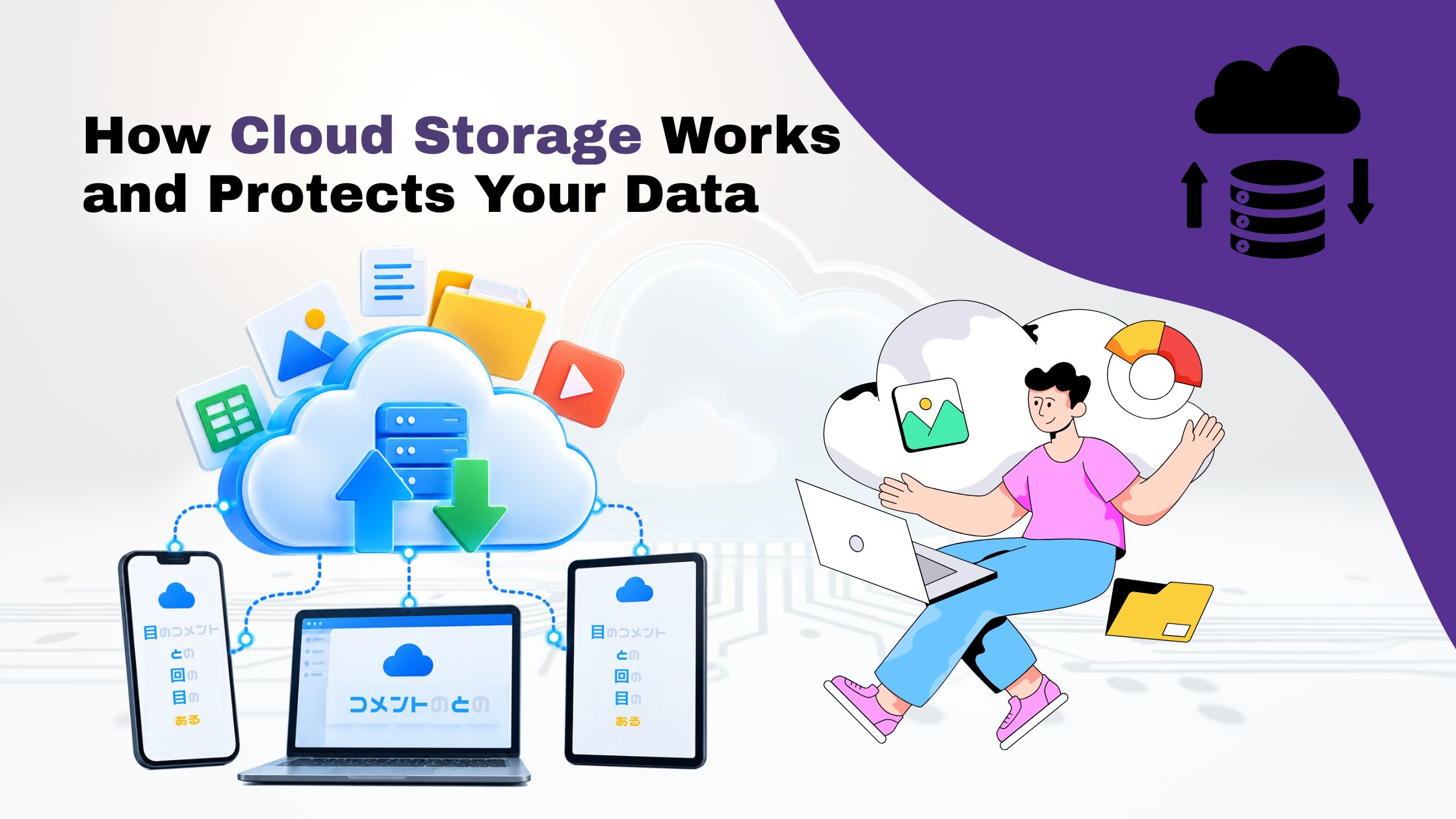
Cloud Storage has changed the way people and businesses store, access and manage their digital information needs. It allows people to store their data virtually and use their hard disks or any other digital devices to store physical copies of their electronic data. Cloud storage has replaced the conventional storage devices like hard disks, USB, CDs, and memory cards. It works with servers where the data is stored virtually, and it is only accessible through the internet.
Modern organizations are using cloud storage to store their data and information in servers and access them virtually. They are replacing the use of physical devices to store data with cloud storage because it provides a flexible way of managing and sharing information. Businesses can save digital files and share them with their employees virtually and access the data from anywhere as long as they have a reliable internet connection.
Individuals are using cloud storage to store their digital media contents such as photos and videos and save them in hard disks. However, the process of uploading and storing the data virtually might be unclear to some people. Therefore, understanding how cloud storage works can help people to know where their information is stored and how it is protected.
What Is Cloud Storage?
Cloud Storage is a technology developed for users to store their digital information in remote servers controlled by a particular cloud service provider. These servers consist of storage devices, network infrastructure, and security systems. When using such a technology, one does not save their digital content on a local disk of their computer or mobile device but instead on a cloud storage server.
For instance, when uploading images to Google Drive, the information is stored on the company’s server, which means it can be accessed from any device having access to the internet and the user’s account.
Cloud storage is beneficial for individual users managing their electronic files and businesses dealing with a high volume of data, sharing information, and looking for convenient ways to store their data.

How Does It Work?
The process involves uploading files, storing them on remote servers, organising information, accessing files from different devices, and synchronising changes. These steps help users manage their data securely and conveniently.
1. Uploading the File
Users upload documents, photos, and other files through a website or application using the internet.
2. Storing Data on Remote Servers
The uploaded files are stored on servers in data centres. Providers may maintain multiple copies to improve data availability and reliability.
3. Organising and Managing Information
Special software allows users to arrange files into folders, rename documents, share files, and manage access permissions.
4. Accessing Stored Files
Users can access their stored files from different devices by logging into their accounts, without manually transferring files.
5. Synchronising Changes
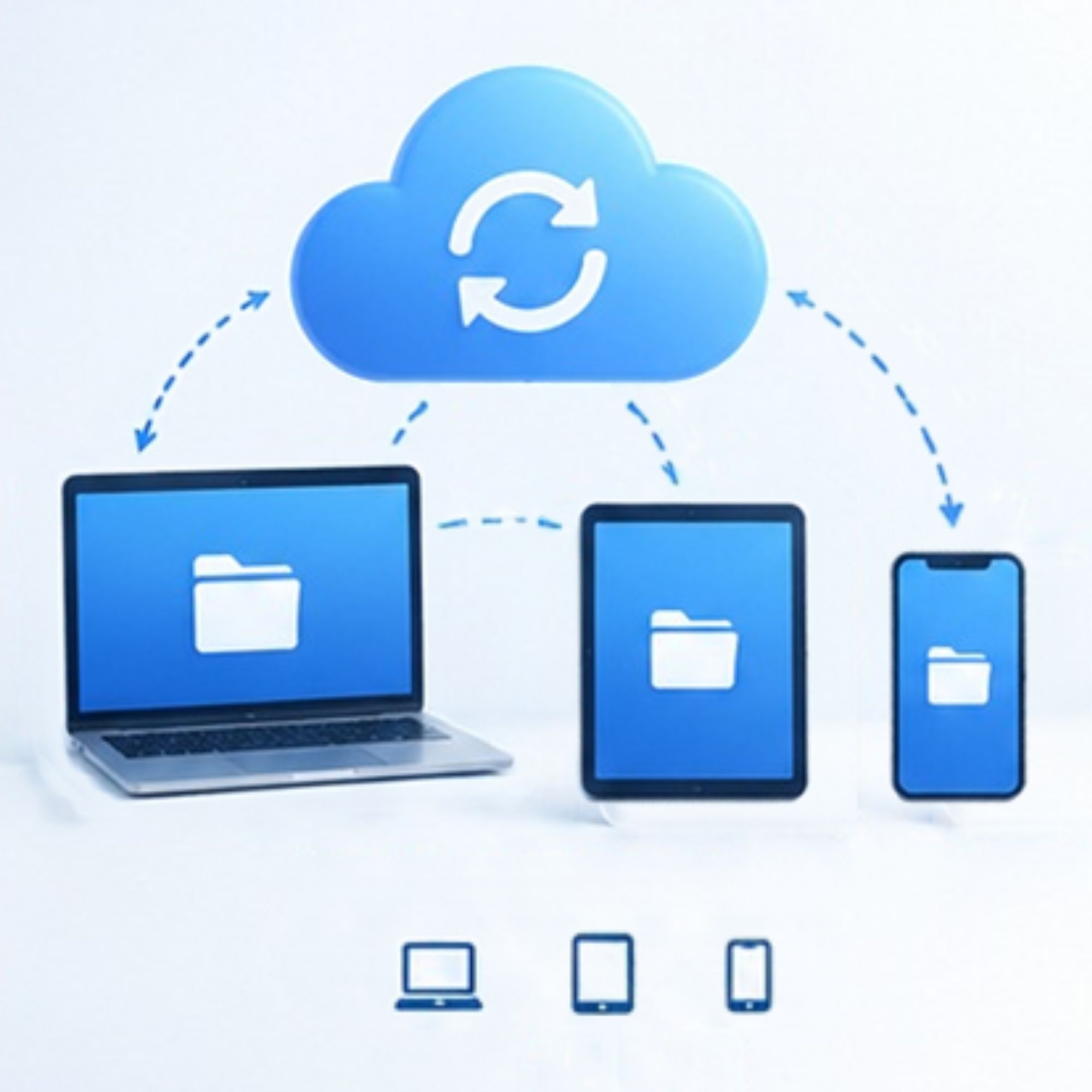
Changes made on one device can automatically appear on other connected devices, keeping files updated across platforms.
What Are the Common Types of Cloud Storage?
There are several types of cloud storage that cater to different applications and technical demands.
- Object Storage : It enables storing information as objects that usually consist of data, metadata, and unique identifiers. It is applied primarily for photos, videos, backups, and other media contents that need to be hosted on the cloud.
- File Storage : Allows businesses to store and organise files and folders online, making them easy to access and share whenever needed. It is mostly utilized for shared repositories and programs that require file-based access.
- Block Storage : It is the third type that breaks data into blocks and offers the necessary infrastructure for databases, virtual machines, and other applications. Organizations tend to consider their application types, data volume, performance needs, and financial constraints when selecting between the available options.
What Are the Different Cloud Storage Models?
Cloud storage can also be classified according to how the infrastructure is provided and managed.
- Public Cloud Storage: A third-party provider owns and operates the infrastructure and provides storage space for clients. This option is cost-effective and appropriate for individuals, small businesses, and corporations that cannot afford to host and maintain their data centres.
- Private Cloud Storage: This type of storage is usually owned by an organization that rents out space in its data centre to clients while retaining control of its infrastructure. It offers more control over the organization’s data and infrastructure than public cloud storage.
- Hybrid Cloud Storage: The hybrid type combines the public and private cloud storage options and allows organizations to store data in two locations simultaneously. It also enables companies to regulate how data is stored and managed depending on its sensitiveness and other factors.

Benefits
Benefit | Explanation |
Easy Accessibility | Access files from different devices using the internet. |
Flexible Storage | Increase or decrease storage space as needed. |
Cost Savings | Reduce the need to buy physical storage devices. |
Easy Collaboration | Share files and work with others easily. |
Backup and Recovery | Recover important files if data is lost. |
Less Maintenance | Cloud providers manage the storage equipment. |
Is Cloud Storage Secure?
Cloud storage providers use different security methods to protect users’ files. However, security depends on the service and how users manage their accounts.
- Encryption: Keeps files protected so unauthorised people cannot easily read them.
- Authentication: Uses strong passwords and extra verification to protect accounts.
- Access Control: Allows users to decide who can view, edit, or share their files.
- Data Backup: Keeps additional copies of data to help prevent loss if a storage device fails.
- Security Monitoring: Helps detect unusual activity and possible security threats.
Tip: Use strong passwords, enable two-factor authentication, check file-sharing permissions, and keep separate backups of important files. These steps help keep your cloud storage safer.
Cloud Storage vs Traditional Storage
Feature | Cloud Storage | Traditional Storage |
Storage Location | Stores data on remote servers managed by cloud providers. | Stores data on physical devices like hard drives and USB drives. |
Internet Requirement | Requires the internet to access files remotely. | Allows access to files without an internet connection. |
Accessibility | Access files from different locations and devices. | Usually requires access to the device where files are stored. |
Storage Capacity | Storage space can be increased based on your needs. | Capacity is limited by the physical device. |
Cost | May require monthly subscriptions or usage-based payments. | Usually requires a one-time payment to purchase the device. |
Conclusion
Cloud Storage is an essential technology for storing, accessing, sharing, and managing digital information. It works by transferring data to remote servers, organising files through storage management systems, and delivering information to authorised users when requested. From personal photographs to business applications, cloud storage provides flexible capacity, convenient access, and improved collaboration. However, users must also consider security, pricing, privacy, and backup requirements.
As digital information continues to grow, understanding how cloud storage works can help individuals and businesses make informed technology decisions and build more reliable data management practices.